
Accident at I-495 S. of Ex 39 MD 190 River Rd?
This public traffic camera on I-495 in Bethesda, MD is recorded around the clock by Red Light Recorder. If you were in a crash, a near miss or a hit-and-run near I-495 S. of Ex 39 MD 190 River Rd, you can request the exact minutes you need. We hold that footage immediately, so it isn't deleted while you sort out your claim.
- Show your insurance adjuster or attorney what actually happened
- Identify a vehicle that left the scene, and when
- Date and time stamped on every frame, with a SHA-256 fingerprint
- Delivered automatically, often within minutes of payment
Cameras can be pointed in different directions at different times. Check the live view and the 24-hour coverage above; we only ask for payment once we've confirmed recordings exist for your time window.
Request footage from this cameraNeed footage from I-495 S. of Ex 39 MD 190 River Rd and other cameras regularly?
One flat price for unlimited footage requests from all 186 cameras: no per-clip fees, no checkout per request, and clips start building the moment you submit. Save more with 3-month and yearly passes.
- Unlimited requests (vs $49.00 per clip)
- Every request and download link in one account
- Prepaid: never auto-charged
Nearby cameras
Not the right angle? These cameras are close by and may have caught the same moment from another direction.
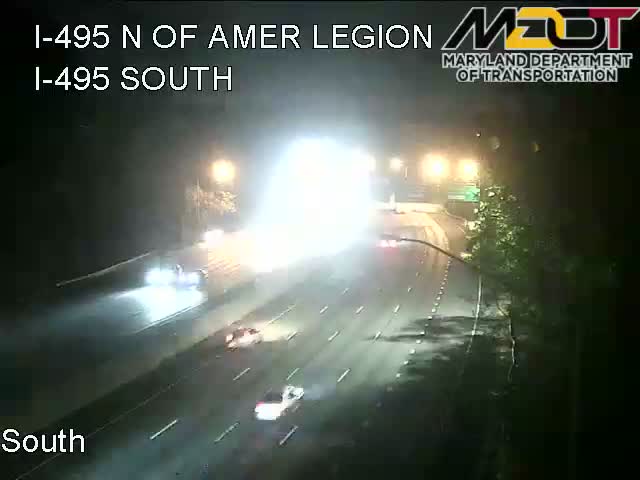 LIVE
0.4 mi
 LIVE
1.0 mi
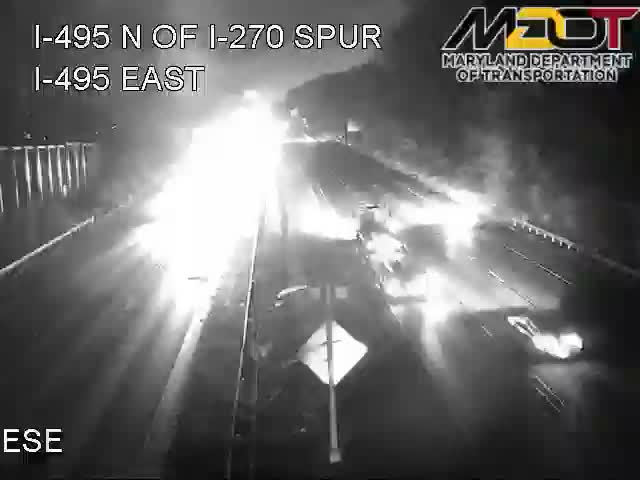 LIVE
2.6 mi
 LIVE
3.7 mi
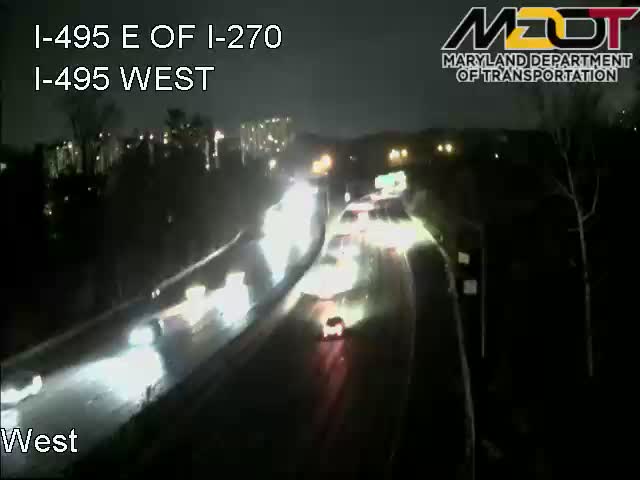 LIVE
4.7 mi
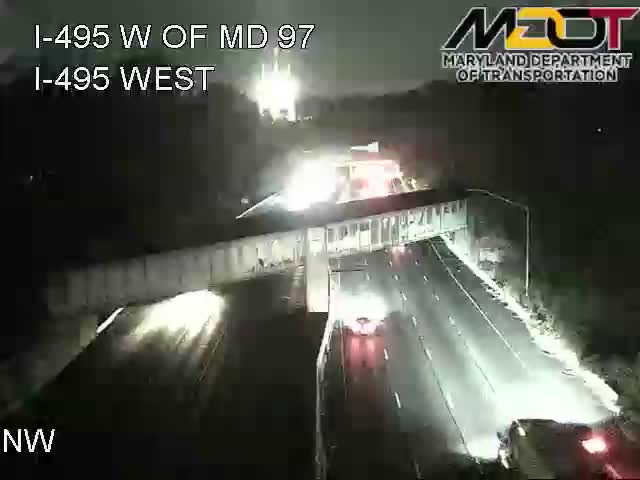 LIVE
6.8 mi
How it works
Built for speed: requests, holds and video processing run automatically, 24 hours a day.
- 1
Find the camera
Use the map to find the camera nearest to where the accident happened.
about 1 min - 2
Pick the time
Choose the date, start time and length. We hold that footage immediately.
instant hold - 3
Pay securely
If the camera recorded your window, pay on your private request page. No account needed.
no paperwork - 4
Download your MP4
Your clip is cut and time-stamped automatically as soon as payment confirms.
minutes
Don't let the evidence disappear.
Request footage in about two minutes. We hold it immediately.